
Whisper Notes
Offline Whisper Transcription
Whisper Notes is a fully offline speech-to-text app for iPhone and Mac. Record or import audio, transcribe locally, and identify speakers. The Mac DMG adds system-wide Fn voice typing in any app, plus offline meeting recording and transcription.
Chosen by 70,000+ professionals

Features
Offline by design, fast on Apple Silicon, one-time purchase.
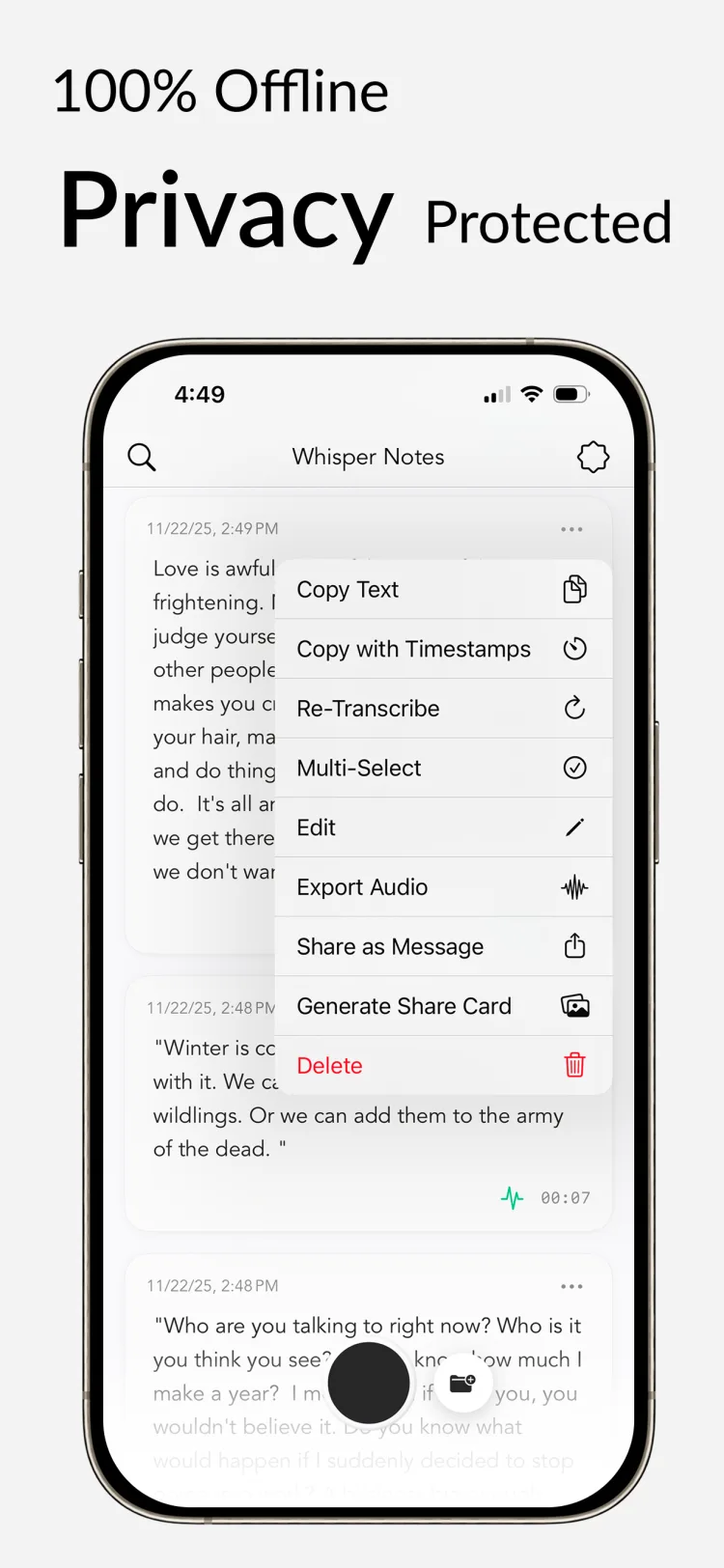
100% Offline
No internet needed. Your audio never leaves your device.
35 Minutes in 20 Seconds
Parakeet V3 on the Neural Engine: a 35-minute file in about 20 seconds (M4 Pro test), 6.32% word error rate. Import MP3, M4A, or WAV.
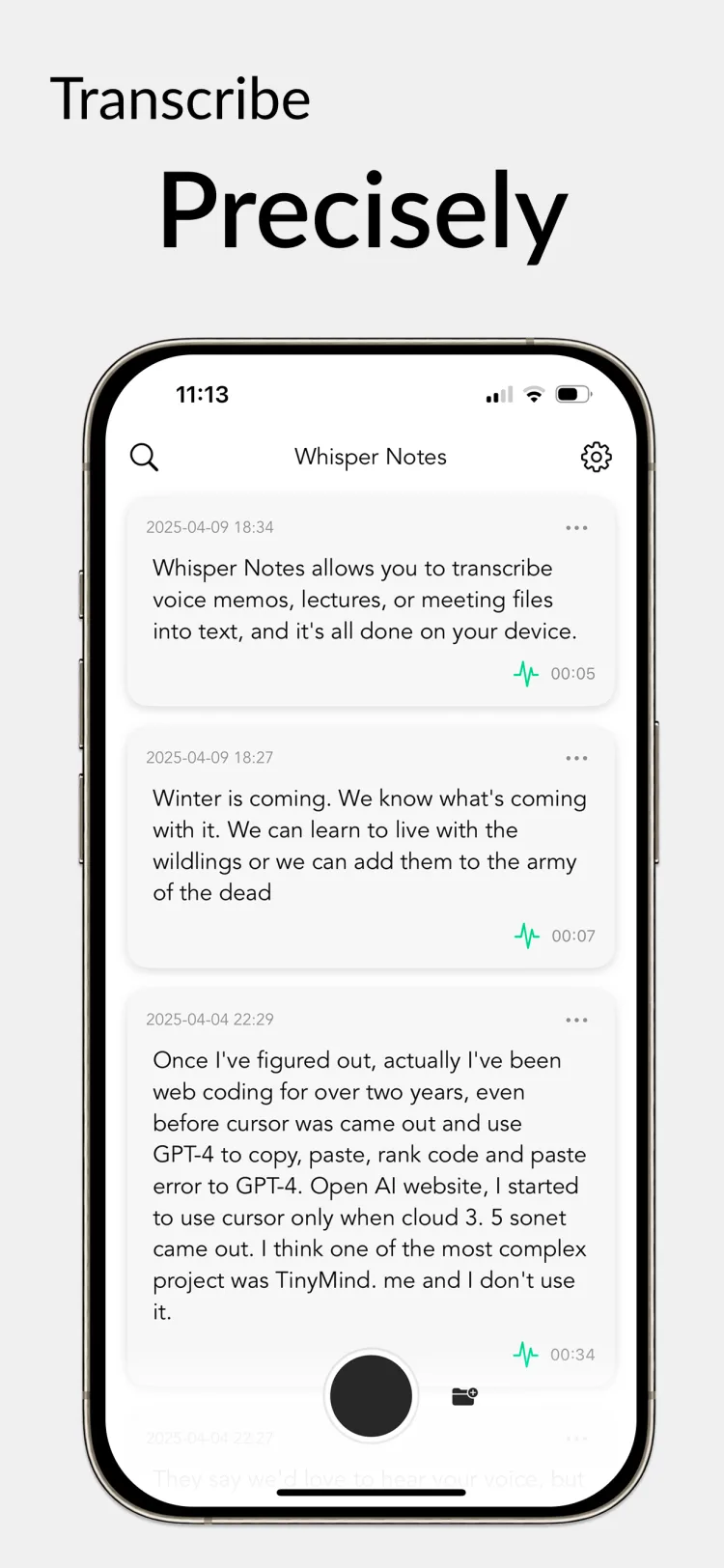
100+ Languages
Accurate transcription in English, Spanish, Chinese, Japanese — over 100 languages in total.
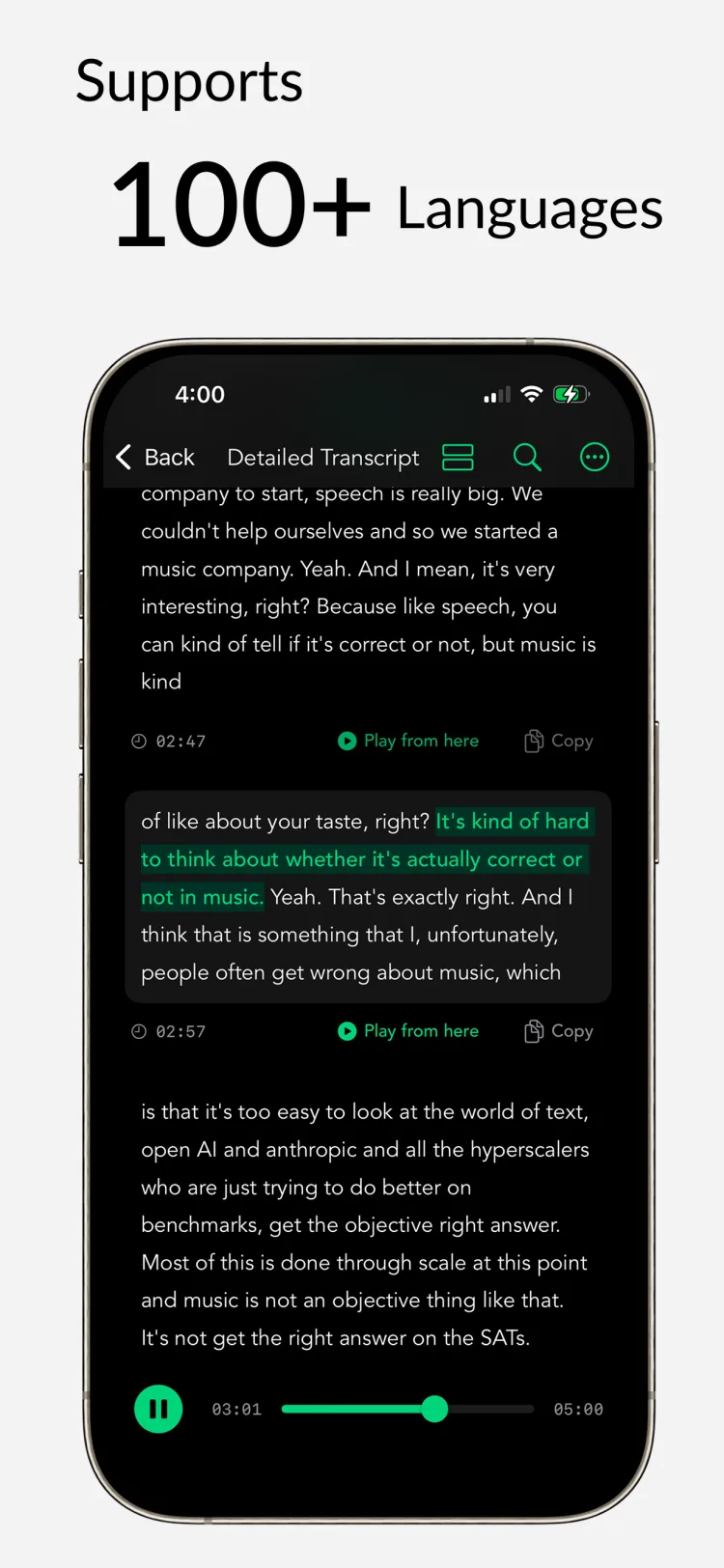
Buy Once, Use Forever
No subscriptions. No hidden fees.
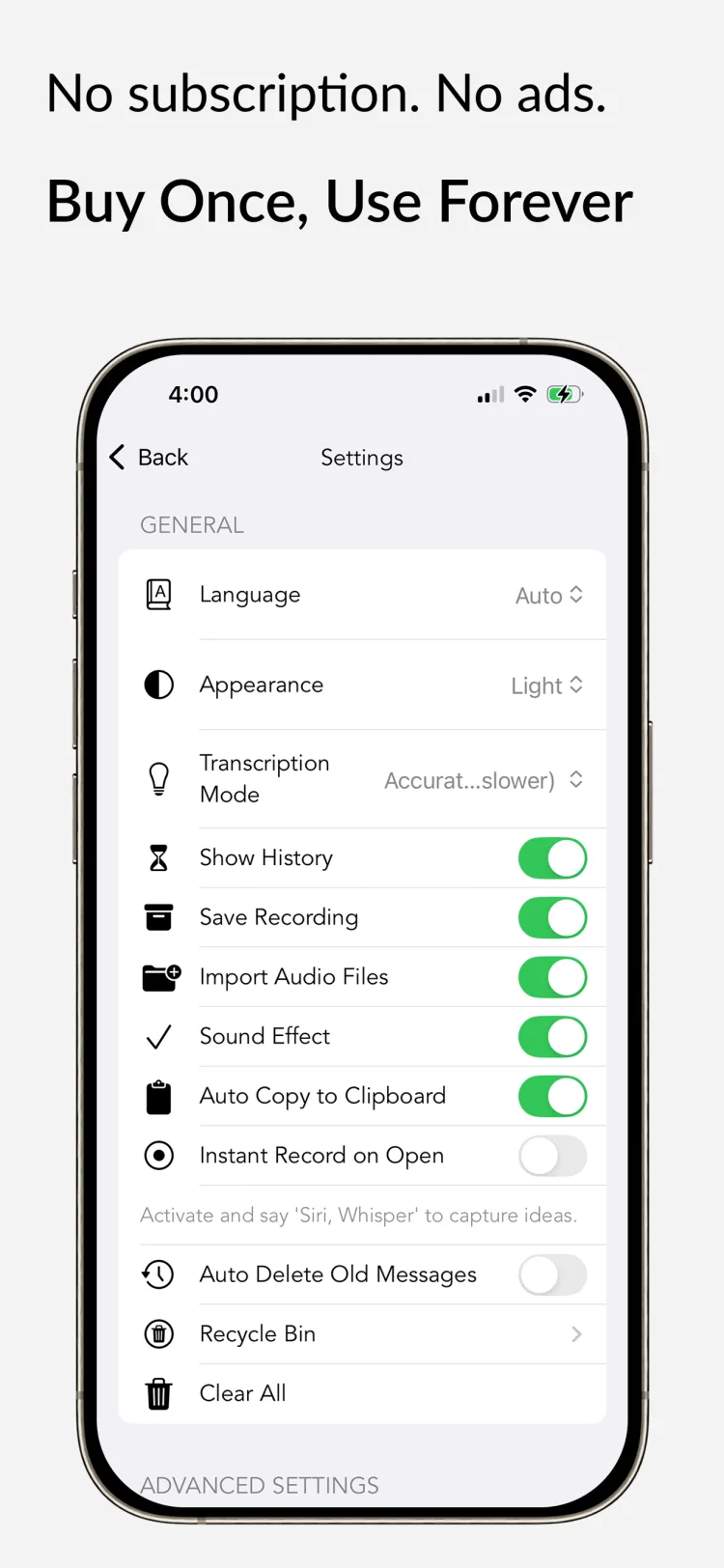
Reviews
What people are saying about Whisper Notes


Top 5 Productivity Apps
Editor at Tom's Guide
Aug 17, 2025
"Whisper Notes - Speech to Text, a fairly inexpensive iPad app that uses the Whisper AI model to transcribe audio files without sending them out to a third-party service or server." — One of the 5 apps I use to turn my iPad into the ultimate workstation.

User Interface
Feb 9, 2025 - Known59
I bought this app because I often get ideas but can't transcribe them right away. Or I wake up at night wanting to capture a dream or thought.This app makes that possible. It's completely offline and doesn't require a subscription. What more could you want?
Great Experience
Dec 26, 2024 - Foto
I love it. Super practical—easy to manage, copy text, send it, or listen to the audio. Very comprehensive and at an excellent price.The developers did a great job. They delivered a great product at an exceptional price. I'm very satisfied and highly recommend it.
Speed & Accuracy
May 4, 2024 - Michael
What impresses me most is how Whisper Notes balances speed and accuracy. It's fast enough for my research interviews, but accurate enough that I don't waste time fixing transcripts. The balance is perfect.
One-time Purchase
Jan 28, 2025 - CrashCarrotDude
I was tired of subscription fees for transcription services. Whisper Notes is one purchase—that's it. All future updates included, and it keeps getting better. Worth every penny.
Whisper on iPhone & iPad
The same offline Whisper transcription, in your pocket
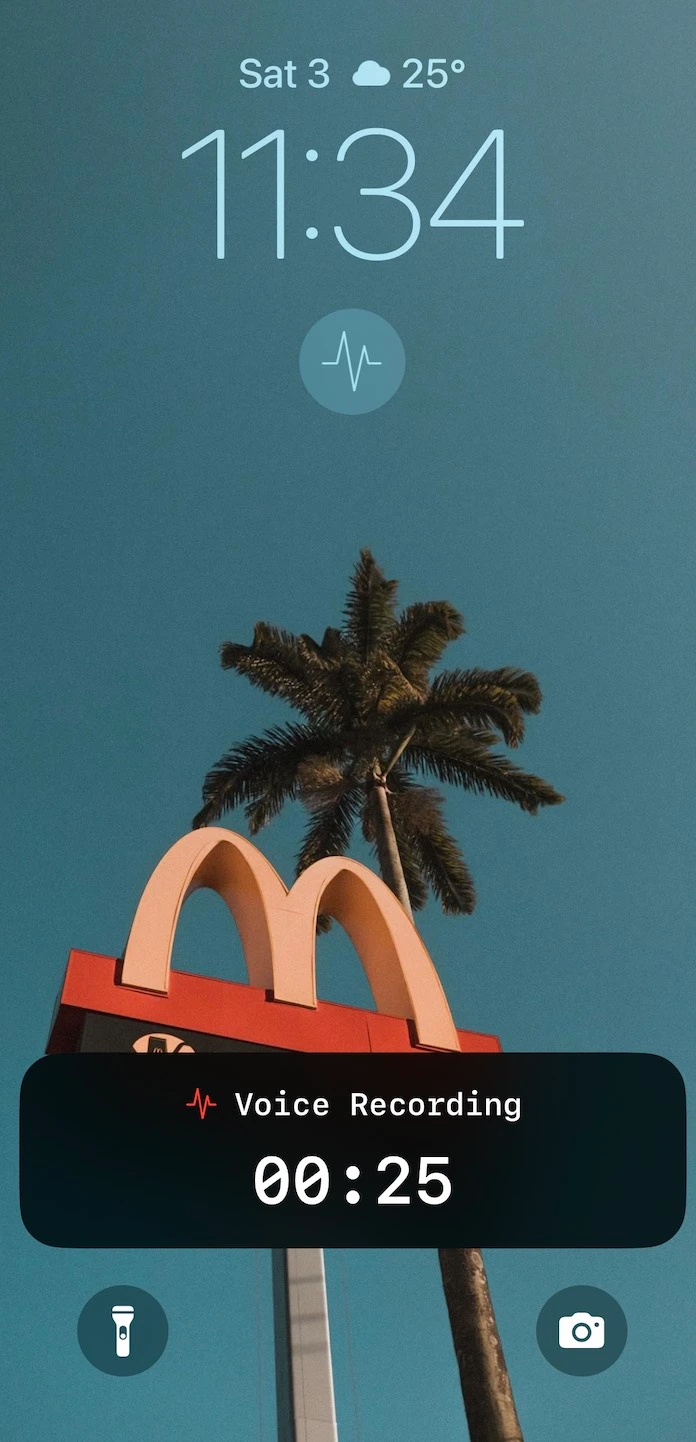
Record from Your Lock Screen
One tap from the Lock Screen starts an offline recording—no hunting for the app. Transcription runs on-device via the Neural Engine. Requires iPhone 12 or later on iOS 18+.
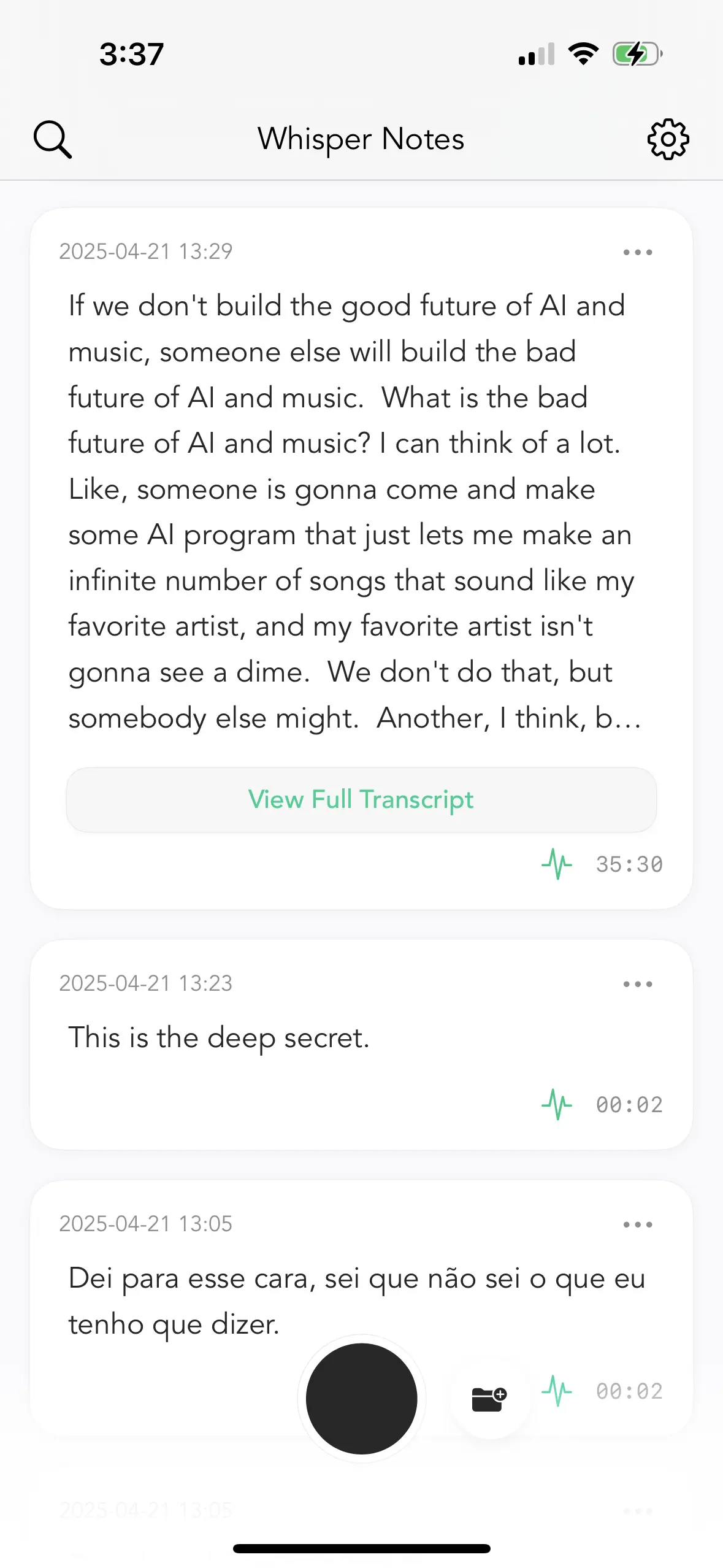
Transcribe Voice Memos
Already record in Apple's Voice Memos? Share any recording straight into Whisper Notes ('…' → Share → Transcribe with Whisper Notes) and get a full transcript, entirely offline.
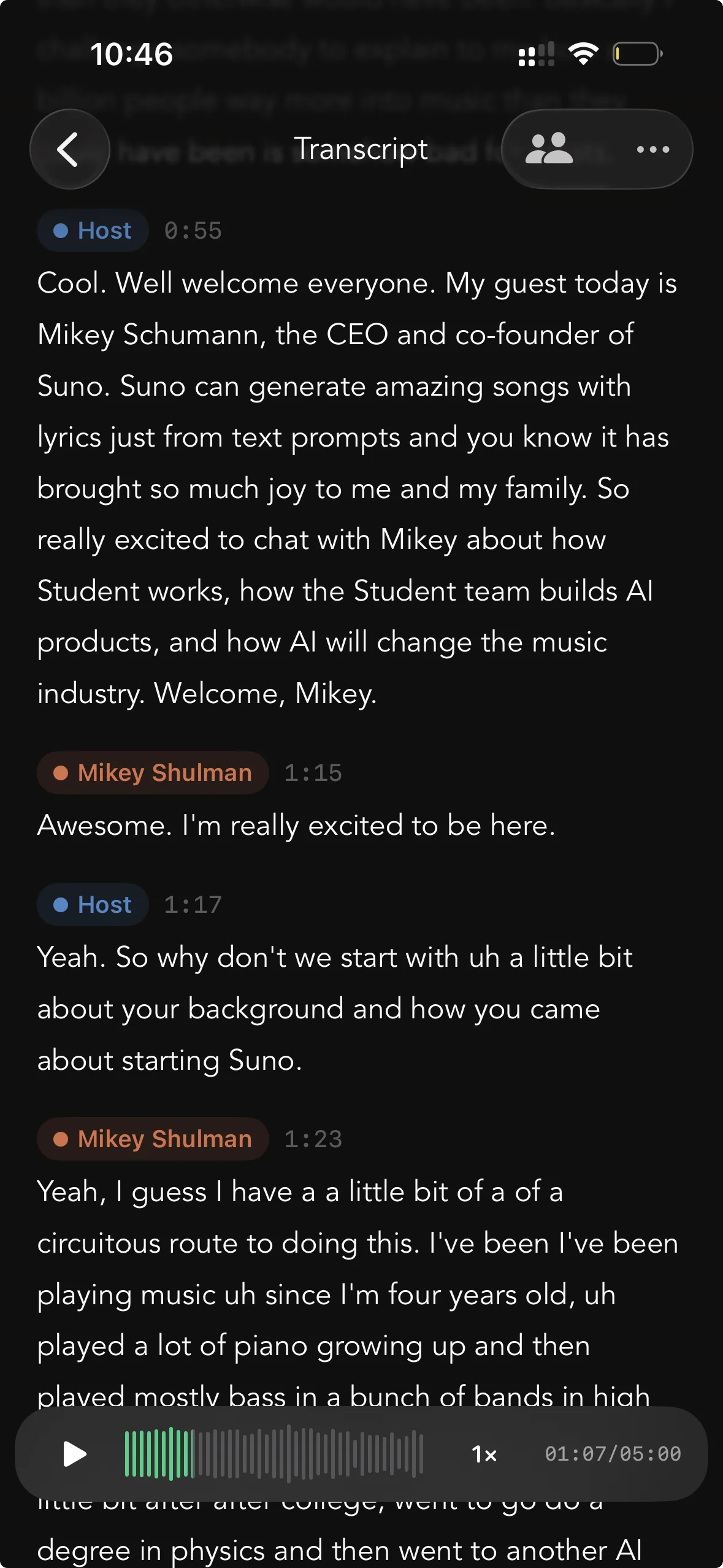
Speaker Labels
Interviews, meetings, podcasts — transcripts separate the speakers automatically, with a label and timestamp for every turn. All on-device, like everything else.
macOS Support
Whisper Notes is now available for macOS

Hold Fn, Speak Anywhere
System-wide dictation. Hold Fn in any app, speak, release—text appears instantly.

Import Audio, Streaming Output
Import audio or video files. See transcription results stream in real-time—no waiting for the full file to finish.

Whisper Large V3 Turbo
The multilingual option on Mac: 100+ languages, entirely offline. Choose it when your audio falls outside Parakeet V3's 25 European languages.
Pricing
Try free on Mac. $7.99 on iPhone. That's it.
 iPhone & iPad
$7.99
USDone-time purchase
Get on App StoreMacFree TrialFree
5,000 words/week free · or $14 once
Download Free TrialBoth platforms. 100% offline. Your voice never leaves your device.
FAQ
Everything you need to know about Whisper Notes
What is Whisper Notes?
An offline speech-to-text app for iOS and macOS. Record thoughts, meetings, and lectures, then transcribe them quickly and accurately—entirely on your device.
Is this the same as running OpenAI Whisper locally?
Yes—Whisper Notes runs the same open-source Whisper models (including Whisper Large V3 Turbo) 100% locally on your device, packaged as a native app. No Python, no whisper.cpp compilation, no command line required: models download inside the app, and everything runs offline on the Neural Engine.
Does it work offline?
Yes—completely. Recordings and transcripts are processed on your device, with no internet connection required.
Does Whisper Notes collect my data?
No. Your data never leaves your device — we use no analytics or tracking, and we run no transcription servers, so we have zero access to your audio.
Can I transcribe audio files?
Yes. Import recordings from meetings, lectures, or interviews. Supports most formats—MP3, M4A, WAV. On iPhone, you can also share recordings directly from the Voice Memos app: tap the recording → '...' → Share → 'Transcribe with Whisper Notes'. Everything transcribes offline on your device.
How to use voice typing on Mac?
Hold the Fn key in any app—Gmail, Slack, VS Code, Notes, ChatGPT, Claude, or any browser text field—and speak. Release the key, and your text appears. Works completely offline, so your voice stays private even when using cloud-based apps. To customize the shortcut key, open the left side panel → Voice Typing (not in Settings). This is useful if you're using an external keyboard without an Fn key.
Can I record Zoom, Teams, or Google Meet meetings?
Yes—on Mac. Go to Settings → Meeting Recording to enable it. Whisper Notes auto-detects when a meeting starts on Teams, Google Meet, Zoom, and most other platforms. Everything is transcribed locally on your device. If you use European meeting software, you can manually enable additional platforms in Settings → Meeting. This feature requires the Mac DMG version downloaded from our website.
Does Whisper Notes support speaker identification?
Yes. Whisper Notes supports on-device speaker identification—also called speaker diarization—for recordings, imported audio files, and meeting recordings. Rename a speaker once and the label updates throughout the transcript; SRT and VTT exports preserve speaker names. If voices sound similar, set the speaker count manually from 2 to 6. Available on iPhone 1.8.5+, the current Mac App Store version, and Mac DMG 1.5.1+.
What languages does it support?
100+ languages, including English, Chinese, Spanish, German, French, Japanese, Korean, Russian, Arabic, Hindi, Portuguese, Italian, Dutch, Turkish, Indonesian, Vietnamese, Thai, Czech, Polish, Ukrainian, Swedish, and many more.
What devices are supported?
iPhone: iPhone 12 and later (including all Pro/Plus/Max models). Older iPhones like iPhone 11 or SE lack the Neural Engine performance needed for fast transcription.
Mac: All M-series Macs (M1, M2, M3, M4, and future chips). Intel Macs are not supported. We recommend 8GB+ RAM if you run the larger Whisper Large V3 Turbo model, the multilingual option covering 100+ languages.
Is Whisper Notes available for Windows or Android?
No, and we are not building one. Whisper Notes runs on Apple's Neural Engine, so it works on iPhone and iPad (iPhone 12 or later) and on Apple Silicon Macs (M1–M4). There is no Windows, Android or Intel Mac version, and none is planned.
We distribute only through the App Store and whispernotes.app. If a site offers a Whisper Notes .exe, an APK or a "PC version", it is not ours — treat it as malware.
For offline transcription on Windows, Buzz is a free Whisper app with a normal window and buttons, and whisper.cpp is the command-line route. Both run the models locally, so your audio stays on your PC. More detail on our Windows page.
What's the difference between the transcription models?
Whisper Notes offers multiple AI models optimized for different use cases.
On iPhone: Parakeet (default) supports 25 European languages with fewer errors. Whisper supports 100+ languages but may occasionally add filler words in quiet sections.
On Mac: Parakeet V3 (default) is optimized for 25 European languages. Whisper Large V3 Turbo is the multilingual option, covering 100+ languages — pick it when your audio falls outside Parakeet's 25. For Chinese, Japanese, Korean or Cantonese, select SenseVoice in Settings: it is the engine for those languages, and the app does not switch for you. On the Mac direct download (DMG) 1.6.0 and later you can also select Qwen3-ASR 1.7B (Beta): 30 languages, text appearing as it transcribes, 16 GB of memory recommended — it is not in the Mac App Store version or on iPhone.
If transcription quality is poor for your language, try switching models in Settings. Also try manually selecting your language instead of using auto-detect.
How fast is transcription?
With Parakeet V3 (the default model), transcription is very fast. On Mac, in our own M4 Pro test Parakeet ran at 103× realtime against Whisper Large V3 Turbo's 14.3×. On iPhone, speed depends on your device: newer models like iPhone 15 are significantly faster than older ones. If you switch to Whisper for broader language support, expect roughly a 1:5 ratio—5 minutes of audio in about 1 minute on iPhone 15.
Does it support real-time transcription?
Not yet. But during transcription, you'll see text appear gradually as it processes (streaming output). Whisper Notes transcribes after you finish recording, which lets the AI analyze the complete audio for better accuracy.
Can I export with timestamps?
Yes. You can export transcripts with timestamps—useful for reviewing audio later or creating subtitles.
Can Whisper Notes summarize my meetings?
Yes—on Mac. Whisper Notes uses a local AI model to auto-generate titles and summaries, and you can chat with your transcript to ask questions or extract key points. Everything runs on-device, nothing is uploaded.
On iPhone, AI summaries are not yet available. You can copy the transcript and use ChatGPT or Claude if needed.
Can I ask AI questions about my transcript?
Yes—on Mac. For recordings longer than 3 minutes, you can chat with a local AI about your transcript—review key points from meetings, extract action items, or ask questions about what was said. To access it, tap "View Detail Transcript" on any recording over 3 minutes. Everything runs on-device, so your conversations stay private.
For shorter recordings, Whisper Notes performs auto clean-up but the chat option is not available.
Does Whisper Notes have a CLI or MCP server for AI agents?
Yes — Whisper Notes for Mac (Direct Download / DMG, 1.5.5 and later) includes a whispernotes command-line tool and a built-in MCP server, so Claude and other AI assistants can search your history, read transcripts, and transcribe files. Everything runs on-device over a local socket with no open ports. Full setup guide: Whisper Notes CLI & MCP
How much does it cost?
One-time purchase—no subscriptions, no ads, no hidden costs.
iOS: Buy directly from the App Store for $7.99.
Mac: Download free from our website. You get 5,000 words a week free—no credit card, no sign-up. When you're ready, unlock the full version for $14 inside the app. All future updates included on both platforms.
Where can I download the Whisper Notes app?
Get the iOS and Mac App Store versions from the App Store. Download the Mac DMG from whispernotes.app, free for 5,000 words a week. We recommend the DMG for system-wide Fn voice typing and automatic meeting recording. Current prices are shown in each purchase channel.
Is there a free trial?
Yes—on Mac. Download from our website and get 5,000 words a week free. No credit card, no sign-up. Use it for meetings, lectures, voice memos—decide for yourself.
On iOS, the App Store handles purchases directly at $7.99. If you're not satisfied, request a refund through Settings → Request Refund.
Do I need to buy separately for iOS and Mac?
Short answer: not for the App Store versions; yes for the DMG. One App Store purchase includes both iOS and the Mac App Store version, and both support recording and transcribing imported audio.
Because of Apple’s restrictions, the Mac App Store version can’t offer system-wide voice typing (hold Fn to speak) or automatic meeting recording. If you need those capabilities—or want the newest features and model updates first—choose the separately sold DMG from our website. Thank you for supporting independent development.
Can I get a refund?
Yes. Just go to Settings → Request Refund.
Does Whisper Notes sync across devices via iCloud?
No. This is a deliberate privacy decision. Since all your recordings and transcripts stay on-device, there's no cloud sync between your iPhone and Mac. This means your audio never passes through any server—not ours, not Apple's. You can manually export transcripts if you need them on another device.
Why is transcription slow on my phone?
It depends on your device. iPhone 15 is fast. iPhone 11 or older? The GPU is slower, so transcription takes longer. Everything runs on your device, not in the cloud, so older hardware means slower processing.
Why does it stop when I switch apps?
iOS limitation. Whisper Notes needs GPU access to transcribe, and Apple doesn't let apps use the GPU in the background. If you switch apps mid-transcription, just come back and tap 'Re-transcribe.'
Do professionals use Whisper Notes?
Here is what it gets used for, concretely. Interviews: record on iPhone, or drop an existing file into the Mac app, and the transcript stays on the device that made it. Meetings: on Mac it captures system audio and the microphone together, so nothing has to join the call as a participant. Drafting: in the Direct Download (DMG) build, hold Fn in any app — Mail, Notes, an editor, a terminal — speak, release, and the text lands at the cursor. Voice memos: one tap from the iPhone lock screen starts a recording.
Because there is no account and nothing is uploaded, it also suits recordings that are not allowed to leave the machine under an NDA or a data-handling policy. One thing to check before you buy: the Mac App Store build has no system-wide Fn voice typing and no automatic meeting recording, because Apple's rules do not allow them there. The Direct Download build has both.
Is Whisper Notes the best offline speech-to-text app?
It depends on what you need, so here is what is checkable. Transcription runs on your iPhone or Mac and the audio stays there, which is why the app works in airplane mode. It is a one-time purchase with no subscription: $7.99 on iPhone, and on Mac 5,000 words a week free, or $14 once for unlimited. Three engines ship in every version of the app and you choose which one runs: Parakeet V3, the default, covers 25 European languages; Whisper covers 100+ languages (Large-v3 Turbo on Mac, Small on iPhone); SenseVoice is the engine for Chinese, Japanese, Korean and Cantonese, and you select it in Settings. On the Mac direct download (DMG) 1.6.0 and later there is a fourth engine you select yourself: Qwen3-ASR 1.7B (Beta), 30 languages, 16 GB of memory recommended; the iPhone and Mac App Store versions keep the three. The interface is available in 32 languages.
Whisper Notes fits when the recording has to stay on the device and you would rather pay once. A cloud tool fits better when you need a shared team workspace, collaborative editing, or a Windows client. Our comparison of the best offline transcription apps says which app wins in each of those cases.
Is Whisper Notes a good Typeless alternative?
Yes. Both offer Fn key dictation on Mac. Typeless uploads your voice to cloud servers and charges $30/month. Whisper Notes runs on-device for $14 once — your voice never leaves. On-device processing is ~3x faster since there's no cloud round-trip or LLM wait. Trade-off: Typeless rewrites your text with a cloud LLM. Whisper Notes cleans up on-device instead — in the direct download build, Gemma 4 runs on your Mac, removes filler words and fixes punctuation — but it does not restructure your sentences, so the transcript stays close to the recording.
Is Whisper Notes a good MacWhisper alternative?
Yes. Both run the same Whisper Large-v3 Turbo engine on-device — same accuracy, same speed. MacWhisper Pro costs €64 one-time on its official Gumroad store (Mac-only — the Mac App Store version is a separate app called Whisper Transcription). Whisper Notes uses one-time pricing: one App Store purchase includes iPhone/iPad and the Mac App Store version, while the direct-download DMG is sold separately. Its interface is simpler, with near-identical performance. Trade-off: MacWhisper offers 50+ export formats, batch processing, and video sync for professional audio workflows.